Phone Dropped in Water? Here's What to Do
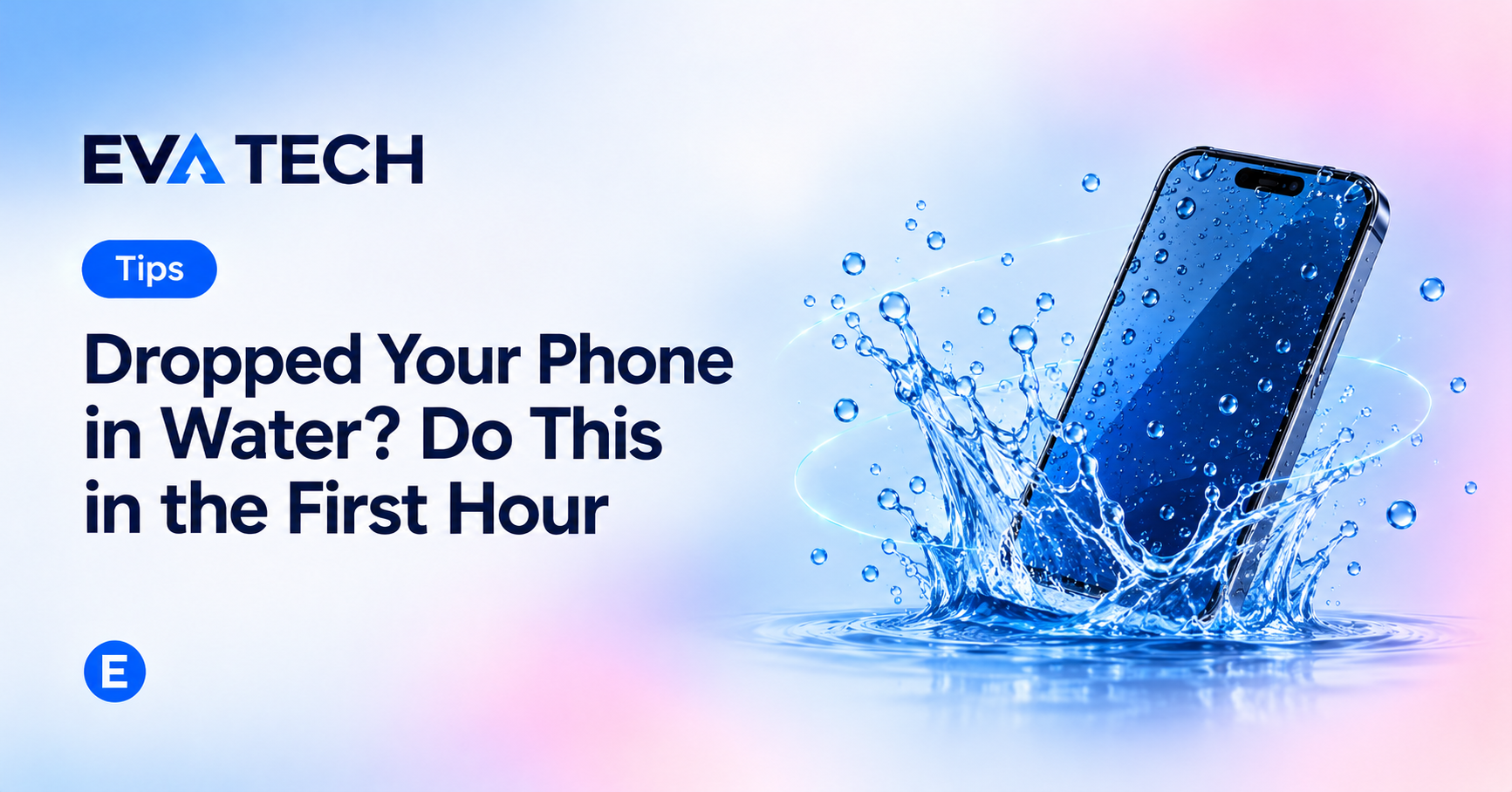
Phone took a swim in the sink, the bath or a pint? Here's exactly what to do in the first hour, what to avoid, and when to bring it in.
It happens to everyone eventually. The phone slips out of your hand at the sink, falls out of a pocket into a puddle, or gets a splash of tea across the screen. Your stomach drops, and then you start Googling.
The good news is that what you do in the next few minutes makes a real difference. The bad news is that most of the advice floating around online is wrong. Here's what we'd actually tell you if you walked into the shop.
Step 1: Get it out and switch it off
Pick it up straight away and power it off. Don't wait to see if it still works. Even if the screen looks fine, water can reach the board inside, and a phone that's switched on gives it a chance to short something out.
If it's still showing a picture and you're tempted to check a message first, resist. It really can wait.
Step 2: Take off the case and pop the SIM tray
Case off, so water isn't trapped against the phone. SIM tray out too, if you can do it quickly, because that's one of the easiest ways for water to get in and one of the easiest places to dry.
Then wipe the outside with a soft cloth or a bit of kitchen roll. Gently, no rubbing it into the ports.
Step 3: Let it dry somewhere warm and airy
Lay it flat or stand it up with the charging port facing down, somewhere with a bit of airflow. An airing cupboard or a spot near (not on) a radiator works. Leave it alone for a good while — a day at least.
What not to do
Some of these are very common, so it's worth being blunt.
Don't plug it in to charge. This is the big one. Power plus water is how a fixable phone becomes a dead one.
Don't use a hairdryer. Hot air can push moisture deeper inside and can damage the battery and the glue holding the screen on.
Don't shake it or tap it against your hand. You're just moving the water around to places it hadn't reached yet.
Don't press buttons to "test" it. Every press is a chance for a short circuit.
And what about the bag of rice? Honestly, it doesn't do much. Rice can leave dust in the speaker and charging port, and it's slower than just leaving the phone in open air. Skip it.
Why you shouldn't just "wait and see"
Here's the part most people don't know. The phone might work perfectly the next day and still be in trouble. Once water and a little electricity meet inside, corrosion starts, and it keeps creeping across the board over the following days and weeks. That's why a phone that seems fine can die a month later, or start acting strange: dodgy charging, a speaker that crackles, a screen that flickers.
Salt water (the sea) and anything sugary (juice, fizzy drinks, tea with sugar) are the worst, because they leave residue behind that keeps causing damage even after it dries.
"But my phone is waterproof"
Most newer phones are water resistant, not waterproof, and there's a difference. That rating is tested with fresh water under controlled conditions. It doesn't cover hot water, soapy water, salt water, or a phone that's been dropped a few times and has tiny gaps in its seals. And the resistance fades as phones age. So a splash is usually fine, but a proper dunk is still worth getting checked.
When to bring it in
If it went fully under, if it was anything other than clean water, or if it's doing anything odd afterwards (won't turn on, battery draining quickly, screen glitching, no sound), bring it in sooner rather than later. The quicker the board gets cleaned, the better the chance of saving it, and we can often get your photos and contacts off it too.
We can't promise every phone can be saved, and we'll tell you honestly if it can't. But we'll diagnose it for free, so you'll know where you stand before you spend anything.
Pop into our Widnes Market store (Unit Q5), give us a call on +44 7727 370653, or message us on WhatsApp. And if your phone's still dripping as you read this, switch it off first. Then come and see us.